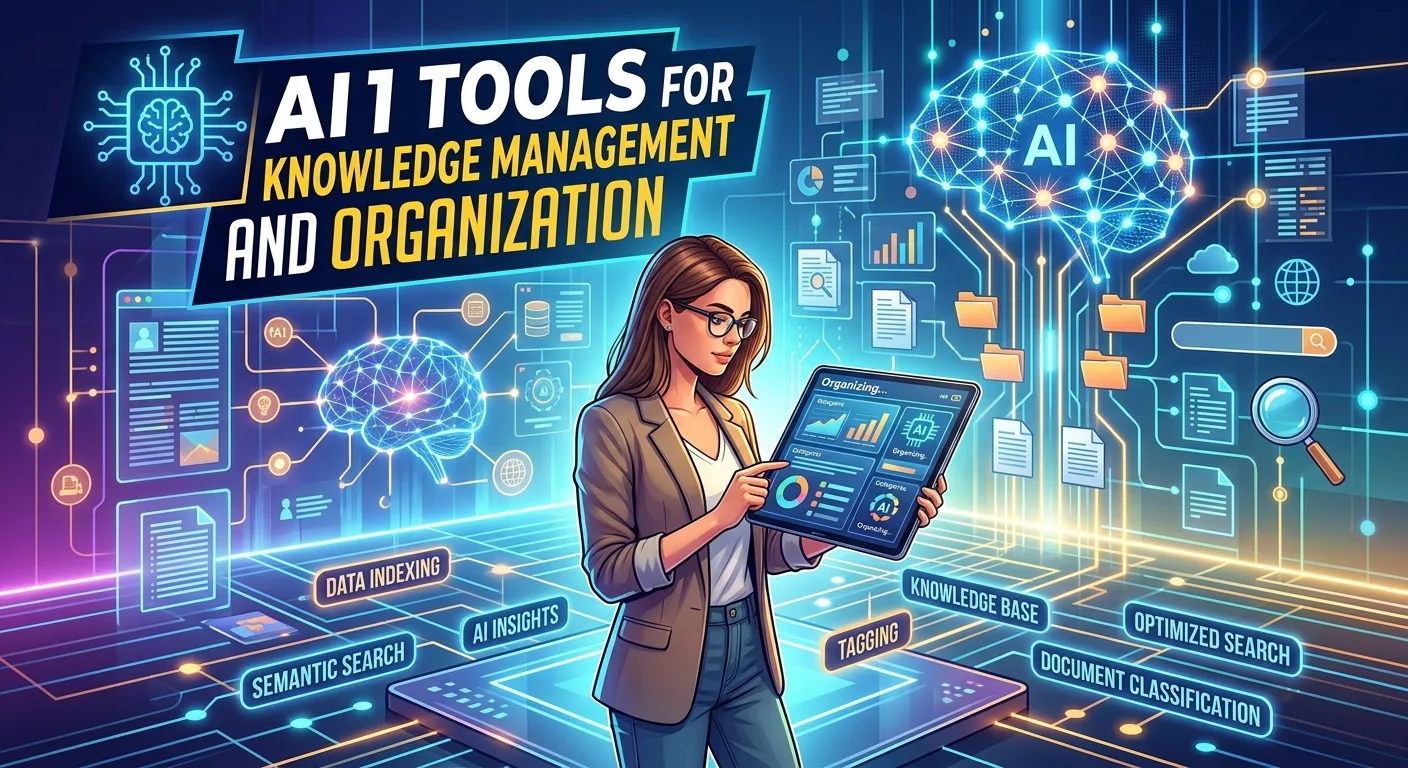
HR AI tools are changing how human resources teams handle recruiting, employee support, workforce planning, administration, and workplace analytics. Instead of replacing HR professionals, these technologies can automate repetitive tasks and help teams spend more time on communication, strategy, and employee experience. Modern HR platforms can assist with tasks such as writing job descriptions, organizing candidate information, answering common employee questions, analyzing workforce data, and supporting onboarding workflows. For small companies, AI can make HR processes more efficient without requiring a large department.
For larger organizations, it can help manage high volumes of information and repetitive administrative work. However, responsible implementation matters because HR decisions involve people, privacy, fairness, and sensitive information. This guide explains how HR AI tools work, their benefits, features, use cases, pricing considerations, limitations, best practices, and the trends shaping AI-powered human resources in 2026 and beyond.
What Are HR AI Tools and How Do They Work?
HR AI tools are software applications that use artificial intelligence, machine learning, natural language processing, automation, or related technologies to support human resources activities. They can assist with recruiting, employee communication, onboarding, learning, workforce analytics, scheduling, and administrative workflows.
The technology generally works by processing information and identifying patterns or generating useful outputs. For example, an AI assistant may analyze a job description and suggest clearer wording, while another system may answer frequently asked employee questions using an organization’s approved HR information.
Some tools use conversational interfaces, allowing HR professionals to interact with software using natural language. Others operate behind the scenes, automating repetitive workflows or organizing large amounts of information.
The important distinction is that AI should support HR judgment rather than automatically make sensitive decisions without appropriate human oversight. Human resources involves context, empathy, organizational policy, and legal responsibilities that software cannot fully understand on its own.
Key Features of Modern HR AI Software
Modern HR AI platforms can include a wide range of features. Common capabilities include AI writing assistance, candidate search, resume organization, employee chatbots, workflow automation, workforce analytics, onboarding support, and document generation.
Recruiting tools may help recruiters organize applications or generate interview questions. Employee-facing systems can provide answers to routine questions about policies, benefits, leave procedures, or internal processes.
Some platforms also offer analytics features. These systems can help HR teams identify workforce trends, summarize employee survey results, or organize information for planning. The quality of these insights depends heavily on the data available and how the organization configures the system.
Another important feature is integration. HR AI tools are more useful when they connect with existing human resource information systems, applicant tracking systems, payroll platforms, collaboration software, calendars, and productivity applications.
Benefits of Using AI Tools for Human Resources
One of the biggest benefits of HR AI is time savings. HR professionals often spend considerable time on repetitive activities such as scheduling interviews, answering similar questions, preparing documents, and organizing information. Automation can reduce some of this workload.
AI can also improve productivity by helping employees access information more quickly. Instead of sending an email for a basic policy question, an employee may be able to find an approved answer through an internal HR assistant.
Another advantage is consistency. When properly configured, an automated workflow can follow the same process each time. This can help reduce simple administrative errors and make routine operations easier to manage.
AI can also support creativity. HR teams can use writing assistants to brainstorm employee communications, training ideas, onboarding content, surveys, and internal announcements. The goal is not to remove the human element from HR but to give HR professionals more time for work that requires human judgment.
HR AI Tools for Recruiting and Talent Acquisition
Recruiting is one of the areas where AI can provide substantial workflow assistance. Hiring teams may receive hundreds or thousands of applications for some positions, creating a significant administrative burden.
AI-powered recruiting software can assist with tasks such as candidate search, resume organization, job-description drafting, interview scheduling, communication, and recruiting analytics. These capabilities can help recruiters spend less time on repetitive administration.
However, recruitment requires particular caution. AI systems can reproduce or amplify problems in the data or processes used to train and configure them. Organizations should therefore avoid treating an AI-generated score or recommendation as an unquestionable hiring decision.
A responsible recruiting workflow keeps humans involved. Recruiters should review relevant information, check outputs for errors or unfair patterns, and use consistent job-related criteria. AI can assist the recruiting process, but people should remain accountable for important employment decisions.
AI for Employee Onboarding and Workplace Support
Onboarding involves many repetitive tasks, including preparing documents, introducing policies, assigning training, answering questions, and coordinating activities across departments.
An HR AI assistant can help new employees find approved information about company policies, benefits, workplace procedures, or training resources. Automated reminders can also help employees complete required onboarding steps.
This can create a smoother experience for both HR teams and new employees. Instead of asking HR staff the same basic questions repeatedly, employees can access information through a centralized system.
Still, AI should not become the only source of employee support. Human interaction remains important during onboarding, particularly when new employees have complex questions or need guidance that depends on individual circumstances.
AI-Powered HR Analytics and Workforce Planning
HR analytics involves using workforce information to understand patterns and support organizational planning. AI can make it easier to summarize large amounts of information and identify trends that deserve attention.
For example, an HR team might analyze employee survey responses to identify frequently mentioned themes. AI can help summarize those responses, categorize topics, or highlight areas that require further investigation.
Workforce planning can also benefit from better data organization. HR teams may use analytics to understand staffing needs, training requirements, skills gaps, or workforce changes.
However, analytics should not be confused with certainty. A correlation does not automatically explain why something happened. HR professionals need to investigate important findings and consider context before taking action.
HR AI Tools for Employee Engagement and Learning
Employee engagement is another area where AI can support HR teams. AI-powered systems can help organize surveys, summarize feedback, and identify recurring themes in employee comments.
Learning platforms can also use AI to recommend educational resources based on job roles, skills, or learning goals. This can make professional development more personalized.
For example, a company could create different learning pathways for new managers, technical employees, customer-support teams, or sales professionals. AI can help organize relevant content while employees continue to make choices about their development.
Organizations should be careful with employee feedback data. Transparency, privacy, and appropriate data governance are important when AI systems process workplace information.
AI HR Chatbots and Employee Self-Service
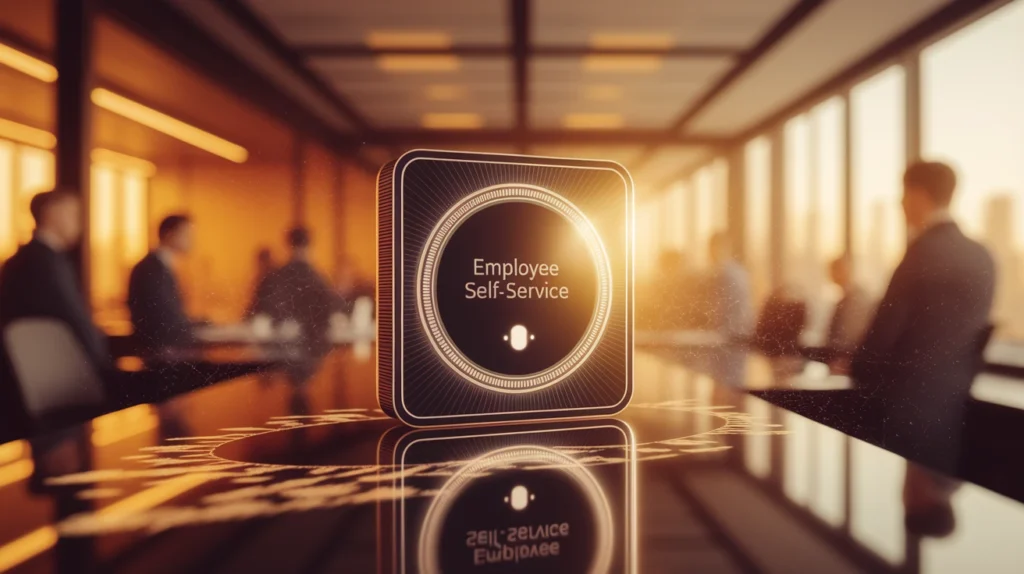
HR chatbots are designed to answer common questions through conversational interfaces. They can be useful for routine requests that have clear, approved answers.
A chatbot might explain where employees can find a policy document, describe a standard onboarding procedure, or direct someone to the correct HR department. This can reduce repetitive requests reaching HR staff.
The quality of an HR chatbot depends on the information behind it. If company policies are outdated or incomplete, the chatbot may provide confusing or inaccurate answers.
Organizations should therefore establish a process for content review, escalation, and human support. Employees should have a clear way to contact an HR professional when their question is sensitive, unusual, or beyond the chatbot’s scope.
Free vs Paid HR AI Tools
Free HR AI tools can be useful for small businesses, startups, freelancers, and teams experimenting with automation. They may provide basic AI writing, brainstorming, document assistance, or limited workflow functionality.
Paid platforms typically offer more advanced features such as integrations, larger usage limits, employee management capabilities, analytics, administrative controls, security features, and customer support.
The right choice depends on the organization’s needs. A small business may not need an expensive enterprise HR platform if its primary requirement is improving job-description writing or organizing basic employee communications.
Before purchasing a subscription, identify the exact problem you want to solve. Do not buy an HR AI platform simply because it has a long feature list. Test whether the product actually saves time, improves workflow quality, and fits your existing HR processes.
HR AI Pricing and Total Cost of Ownership
HR AI pricing varies significantly. Some products use monthly subscriptions, while others charge per employee, per user, per module, or according to usage.
AI features may sometimes be included in an existing HR platform or offered as an additional package. Enterprise software may also include implementation, customization, training, support, or integration costs.
Organizations should therefore evaluate total cost of ownership rather than only the advertised subscription price. Consider setup, employee training, data migration, integration, security review, administration, and ongoing support.
A useful evaluation method is to estimate how much time the system could save each month. Then compare that value with the total cost and the quality improvements it provides. The cheapest tool is not always the most economical option.
HR AI Integrations and Automated Workflows
Integrations allow HR AI tools to communicate with the software a company already uses. Common integration categories include HRIS platforms, applicant tracking systems, payroll software, calendars, email, collaboration tools, learning management systems, and identity-management services.
For example, a recruiting workflow could connect a job-posting platform with an applicant tracking system and calendar. Automation could then help coordinate scheduling and communication while keeping candidate information organized.
Integration can also reduce duplicate data entry. When information flows between systems correctly, HR employees spend less time copying information manually.
However, integrations create additional security and governance considerations. Organizations should understand what data moves between systems, who can access it, how it is protected, and how long it is retained.
Pros and Cons of AI in Human Resources
HR AI tools offer several advantages. They can automate repetitive work, accelerate information retrieval, improve administrative efficiency, support data analysis, and help HR teams scale their operations.
They can also improve employee self-service. Workers may get faster access to basic information without waiting for an HR representative to respond.
There are limitations, however. AI can produce incorrect information, misunderstand context, introduce bias, or create privacy risks if organizations use it carelessly.
Another concern is over-automation. Human resources deals with people’s careers, workplace relationships, and personal circumstances. Sensitive decisions require appropriate human involvement, empathy, and accountability.
Common Mistakes When Implementing HR AI Tools
One of the biggest mistakes is adopting AI without defining a clear business problem. An organization should first identify a bottleneck, such as repetitive employee questions, inefficient scheduling, or time-consuming document preparation.
Another mistake is failing to review AI outputs. AI-generated content can contain inaccurate statements, inappropriate wording, or missing context. HR teams should establish review procedures before using generated material in important communications.
Organizations should also avoid uploading sensitive employee information into systems without understanding the provider’s data practices. Privacy and security should be part of the evaluation process from the beginning.
Finally, companies should communicate clearly with employees. People are more likely to trust workplace AI when they understand what it does, what information it uses, and when a human remains responsible for the outcome.
How to Choose the Best HR AI Tools for Your Organization
Start by listing the HR tasks that consume the most time. Separate repetitive administrative work from activities that require judgment, empathy, or confidential discussion.
Next, define your requirements. Consider company size, workforce structure, existing HR software, budget, security requirements, integration needs, and employee experience.
Test shortlisted platforms with realistic examples. If you are evaluating an HR chatbot, test common employee questions and unusual questions. If you are evaluating recruiting software, examine how it handles different job descriptions and candidate profiles.
Also investigate the vendor’s security documentation, privacy practices, support model, data retention policies, and AI governance. A strong HR AI solution should fit your organization’s processes rather than forcing the organization to change everything around the software.
Latest HR AI Trends and Future Developments
One of the most important trends is the shift from simple AI assistants toward agentic HR automation. Instead of answering a single question, future systems may coordinate several steps within a defined workflow.
Another trend is more personalized employee support. AI systems may increasingly combine role information, learning resources, internal documentation, and workflow automation to create customized employee experiences.
AI-powered analytics will also continue developing. Organizations may use AI to summarize workforce information, identify emerging patterns, and help managers understand employee feedback. However, responsible data governance will become increasingly important as these systems become more capable.
The future of HR AI is likely to focus on human-AI collaboration. HR professionals will remain responsible for judgment and people-centered decisions, while software handles more routine processing, organization, and information management.
Conclusion: The Future of HR AI Tools
HR AI tools can transform human resources by reducing repetitive work, improving access to information, supporting recruiting workflows, strengthening employee self-service, and helping teams make better use of workforce data.
The most successful implementations will not treat AI as a replacement for HR professionals. Instead, they will use technology to handle appropriate administrative tasks while allowing people to focus on communication, strategy, employee relationships, and complex decisions.
Before selecting a platform, evaluate its features, integrations, pricing, security, privacy practices, reliability, and ability to fit your existing workflow. Start with a specific problem and measure the results.
As AI becomes more capable, HR teams will have more opportunities to automate routine processes. But responsible implementation, human oversight, transparency, and employee trust will remain essential.
FAQs About HR AI Tools
What are HR AI tools?
HR AI tools are software applications that use artificial intelligence to support human resources tasks such as recruiting, onboarding, employee support, analytics, communication, and workflow automation.
How can AI help HR departments?
AI can help HR teams automate repetitive activities, organize information, draft documents, answer routine questions, analyze feedback, support recruiting workflows, and improve employee self-service.
Can HR AI tools replace HR professionals?
AI can automate some tasks, but it should not replace the human judgment required for sensitive HR decisions. HR professionals remain important for strategy, communication, empathy, accountability, and complex employee situations.
Are HR AI tools safe to use?
They can be used responsibly when organizations evaluate security, privacy, access controls, data retention, vendor policies, and human oversight. Companies should understand how employee information is processed before adopting a tool.
Are there free HR AI tools?
Yes. Some AI tools offer free plans or limited functionality. Paid platforms generally provide additional capabilities, integrations, usage limits, administration features, or enterprise support.
What is the best HR AI tool?
There is no single best option for every organization. The right tool depends on company size, HR processes, budget, integrations, security requirements, and the specific problem you want to solve.
How does AI help with recruitment?
AI can assist with tasks such as job-description creation, candidate organization, communication, scheduling, and recruiting analytics. Important hiring decisions should receive appropriate human review.
Can HR chatbots answer employee questions?
Yes. HR chatbots can answer routine questions when they have access to accurate, approved company information. Sensitive or complex questions should be escalated to a human HR professional.
What should companies consider before buying HR AI software?
Companies should evaluate features, pricing, integrations, security, privacy, data governance, accuracy, support, usability, and scalability before making a purchase.
What are the biggest risks of HR AI?
Important risks include inaccurate outputs, privacy problems, security issues, bias, poor data quality, insufficient transparency, and over-automating decisions that require human judgment.
What will HR AI look like in the future?
Future HR AI systems will likely provide more workflow automation, personalized employee support, agentic capabilities, workforce analytics, and integrations, while keeping humans involved in important decisions.