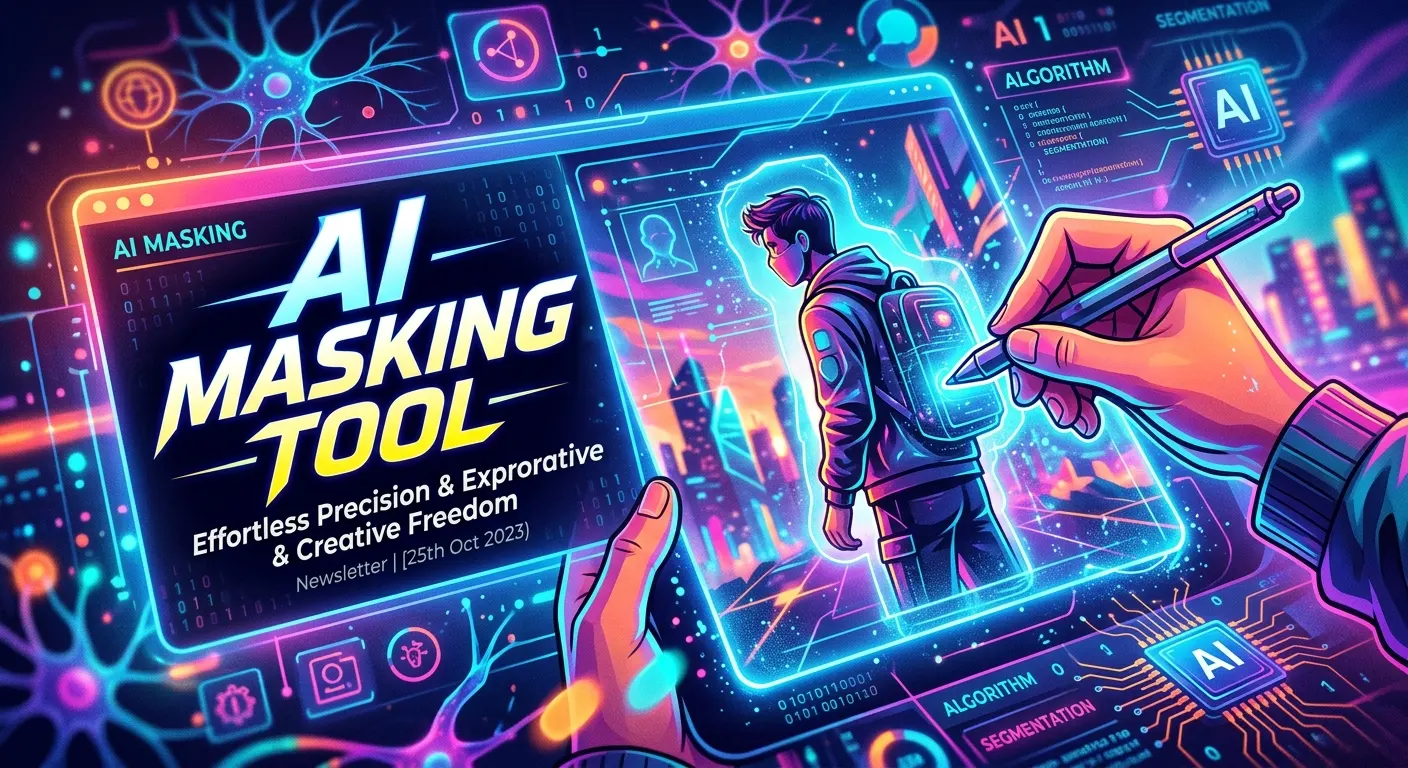
An AI masking tool uses artificial intelligence to automatically separate, hide, reveal, or isolate specific parts of an image or video. Instead of manually drawing detailed masks around people, objects, backgrounds, or other elements, AI can identify visual subjects and create accurate selections in seconds. This makes masking faster, easier, and more accessible for beginners and professionals alike. Modern AI masking tools can support photo editing, video production, background removal, object isolation, creative design, visual effects, and automated workflows.
They can also improve productivity by reducing repetitive editing work while giving creators more time to focus on creativity. Whether you are editing product photos, preparing social media content, creating marketing visuals, or working on professional video projects, understanding how AI masking works can help you choose the right solution and achieve cleaner results with less manual effort.
What Is an AI Masking Tool?
An AI masking tool is software that uses machine learning or computer vision to create a mask around a selected subject or visual area. A mask tells an editing application which parts of an image or video should be affected and which parts should remain unchanged.
Traditional masking often requires an editor to manually trace an object using selection tools, brushes, paths, or frame-by-frame adjustments. AI masking reduces this workload by analyzing visual information and identifying objects, people, backgrounds, faces, or other regions automatically.
For example, imagine a product photograph containing a pair of shoes on a busy background. Instead of carefully tracing every edge of the shoes, an AI masking tool can identify the shoes and generate a selection around them. You can then change the background, adjust the product, add effects, or place the shoes into another design.
This makes AI masking especially useful for photographers, graphic designers, video editors, marketers, e-commerce sellers, content creators, and creative agencies.
How Does an AI Masking Tool Work?
AI masking generally begins by analyzing an image or video frame. The system looks for visual patterns such as edges, colors, shapes, textures, faces, body structures, and object boundaries.
Advanced tools use computer vision models trained on large collections of visual examples. These models help the software distinguish between different subjects and background elements. Once the system identifies the target, it creates a mask that separates the selected area from the rest of the visual.
In video editing, the process becomes more complex. The tool must track the subject as it moves across multiple frames. Modern AI systems can use object tracking and temporal information to maintain the mask as the person or object changes position.
The basic workflow usually looks like this:
- Upload an image or video.
- Select the subject or object.
- Let the AI generate the initial mask.
- Review the edges.
- Correct any missed or unwanted areas.
- Apply an adjustment, effect, background change, or other edit.
- Export the finished result.
The important advantage is that AI handles much of the repetitive selection work automatically.
Key Features of Modern AI Masking Tools
Modern AI masking software can provide significantly more than simple background removal. The exact feature set depends on the application, but several capabilities appear across professional and consumer tools.
Automatic subject detection allows the software to recognize people, products, animals, vehicles, or other prominent subjects. Some tools can also identify multiple objects separately.
Edge refinement improves the boundary between the subject and background. This matters when working with hair, fur, transparent objects, fabric, or complex shapes.
Object selection allows users to isolate a particular element without manually drawing a detailed path.
Mask tracking is especially valuable for video because it can follow moving subjects.
Brush refinement gives users control when the AI makes a mistake. You can add areas that were missed or remove areas that were selected incorrectly.
Some advanced tools also offer feathering, expansion, contraction, inversion, opacity controls, and mask animation.
Together, these features combine automation with manual control. The AI handles the first pass while the editor maintains final creative control.
Benefits of Using an AI Masking Tool
The biggest benefit of an AI masking tool is time savings. Manual masking can take minutes or even hours when an image contains complex shapes. AI can often create a usable starting mask much faster.
AI masking can also improve accessibility. Beginners who do not understand advanced pen-tool workflows can create professional-looking selections without mastering every traditional editing technique.
Another benefit is consistency. When a team processes hundreds of product images, automated masking can help establish a repeatable workflow.
AI masking can also improve creative flexibility. Once a subject has been isolated, you can experiment with different backgrounds, lighting effects, colors, shadows, compositions, and visual styles.
For businesses, the productivity benefits can be significant. E-commerce teams can prepare product images faster. Marketing teams can create campaign variations more efficiently. Video creators can isolate subjects without manually drawing masks across every frame.
The best results usually come when automation and human review work together.
Common Use Cases for AI Masking
AI masking has applications across many creative industries.
Photography
Photographers can isolate people, products, buildings, landscapes, or other elements. This makes it easier to adjust brightness, color, contrast, sharpness, or other properties for a specific subject.
E-commerce
Online stores often need clean product images. AI masking can separate products from backgrounds so sellers can create consistent catalog visuals.
Graphic Design
Designers can quickly isolate objects and combine them with new compositions. This can speed up advertising graphics, social media designs, posters, and promotional materials.
Video Editing
Video editors can use AI masks to isolate moving subjects, apply selective effects, blur backgrounds, or create visual compositions.
Social Media
Creators can remove backgrounds, create thumbnails, produce promotional graphics, and prepare short-form video content more efficiently.
Advertising
Marketing teams can create multiple visual variations from the same source material. A single product or person can be placed into different creative environments.
These applications show why AI masking has become an important part of modern visual workflows.
AI Masking for Photos vs Video
AI masking works differently in still images and video.
With a photo, the system only needs to understand one visual frame. This makes the task relatively straightforward. After creating the mask, the user can refine it and apply the desired adjustment.
Video introduces movement. A person can turn around, walk behind another object, change lighting conditions, or partially leave the frame. The masking system therefore needs to maintain the correct selection over time.
Good video masking tools use tracking technology to follow subjects between frames. This can dramatically reduce manual keyframing.
However, video masking still requires quality control. Fast movement, motion blur, similar colors between subject and background, and objects crossing in front of the subject can confuse automated systems.
For professional projects, editors should review important sequences rather than assuming every AI-generated mask is perfect.
Free vs Paid AI Masking Tools
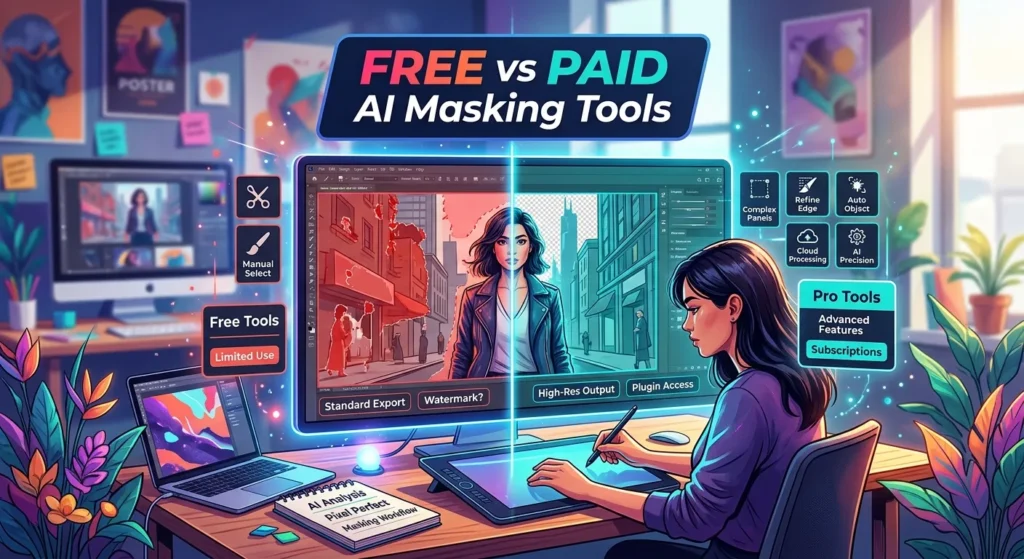
Many AI masking tools offer free options, trials, or limited features. These can be useful for beginners who want to understand the workflow before purchasing software.
A free AI masking tool may provide basic subject selection or background removal. However, it may restrict export quality, usage limits, batch processing, advanced refinement, or video functionality.
Paid solutions often provide higher-resolution processing, professional controls, faster workflows, batch operations, advanced tracking, better integrations, and fewer restrictions.
The best choice depends on your needs.
If you only edit occasional social media images, a free tool may be enough. If you process hundreds of product photographs or work professionally with video, investing in a more advanced solution may save considerably more time.
Before paying for a subscription, test the tool using the types of images or footage you actually work with.
AI Masking Tool Pricing and What to Consider
AI masking software can use different pricing models. Some applications include masking as part of a broader editing subscription. Others charge based on usage, credits, exports, or advanced features.
When evaluating pricing, do not focus only on the monthly subscription amount. Consider the total workflow value.
For example, a tool that costs more but reduces a repetitive editing task from 20 minutes to two minutes could be more economical for a professional than a cheaper tool that requires extensive manual correction.
Check whether the plan includes:
- High-resolution exports
- Commercial usage
- Video masking
- Batch processing
- Advanced edge refinement
- Unlimited or sufficient AI generations
- Cloud processing
- Desktop or mobile access
- API availability
- Team collaboration
- Customer support
Also check whether exported images include watermarks or whether free accounts have restrictions.
A practical trial using real projects is often more useful than comparing feature lists alone.
Integrations and AI Masking Workflows
Integrations can make an AI masking tool much more valuable.
Creative professionals may already use photo editors, video editing applications, cloud storage, design platforms, content management systems, and marketing tools. A masking solution that fits into the existing workflow can reduce unnecessary file transfers and repetitive steps.
For example, a designer might create a mask, refine a product image, and send the result directly into a design workflow. A video editor might use AI-assisted masking inside a larger editing application instead of switching between several independent tools.
Professional users should look for compatibility with their preferred image formats, video formats, editing software, cloud services, APIs, and automation platforms.
Integration is particularly important for businesses processing large numbers of assets.
Instead of manually downloading, editing, uploading, and organizing every file, teams can build a more efficient production pipeline.
AI Masking Tools Compared With Traditional Masking
Traditional masking techniques remain valuable. Professional editors have used paths, channels, selection tools, rotoscoping, and manual brushes for many years.
The biggest difference is how the initial work gets completed.
Traditional masking provides precise manual control but can require significant time and skill. AI masking provides rapid automation but may need human correction when visual conditions become difficult.
For simple subjects against clear backgrounds, AI can be extremely efficient. For complicated scenes involving hair, transparent materials, reflections, smoke, motion blur, or overlapping objects, manual refinement can still be necessary.
The strongest workflow is often AI-first, human-refined.
Use AI to generate the initial mask, then use traditional tools to perfect the important details.
This approach combines productivity with professional control.
How to Get Better Results With AI Masking
Start with high-quality source material whenever possible. Sharp images with clear subject-background separation usually produce better masks.
Good lighting also helps. If the subject and background have similar colors, the AI may struggle to identify the correct boundary.
When working with video, avoid unnecessary compression before masking. Highly compressed footage can contain artifacts that make edges harder to interpret.
After generating the mask, zoom into difficult areas. Pay special attention to hair, fingers, clothing edges, transparent objects, glasses, fine details, and overlapping subjects.
Use refinement controls rather than repeatedly generating a completely new mask. Small corrections can often produce better results with less effort.
Another useful strategy is to keep the original file untouched. Work with layers, masks, or non-destructive editing whenever the software supports it. This allows you to return to the original mask later.
Common AI Masking Mistakes to Avoid
One of the most common mistakes is assuming that an AI-generated mask is automatically perfect.
AI is powerful, but it can make incorrect selections. A small edge error may become obvious when you replace the background or increase contrast.
Another mistake is ignoring image quality. Low-resolution or heavily compressed files can produce rough edges.
Users also sometimes apply excessive feathering. Feathering can make an edge appear softer, but too much can create an unnatural halo.
A third mistake is failing to check the mask at different zoom levels. An image may look perfect when viewed small but reveal obvious problems when enlarged.
Video editors should also avoid trusting tracking without checking difficult scenes. A mask can gradually drift away from the subject when movement becomes complex.
Finally, avoid using AI masking as a replacement for creative judgment. The technology selects pixels, but the creator decides what the final image should communicate.
Pros and Cons of AI Masking Tools
AI masking offers strong advantages, but it is not perfect.
Pros
Faster editing: AI can create selections quickly.
Beginner-friendly: Users can achieve useful results without mastering advanced masking techniques.
Better productivity: Repetitive selection work takes less time.
Scalable workflows: Businesses can process larger numbers of visual assets.
Creative flexibility: Isolated subjects can be placed into new environments and compositions.
Video automation: AI tracking can reduce manual rotoscoping work.
Cons
Accuracy varies: Difficult images can produce imperfect masks.
Fine details remain challenging: Hair, transparent objects, smoke, and reflections can require manual refinement.
Subscription costs: Advanced features may require paid plans.
Processing limitations: Some tools restrict resolution, usage, or export options.
Privacy considerations: Cloud-based processing may require uploading visual assets.
Before selecting a tool, balance convenience against the level of control and privacy your project requires.
Privacy, Security, and Responsible AI Masking
Privacy deserves attention whenever images or videos contain people, private locations, confidential documents, or proprietary business information.
Some AI masking tools process files locally on a computer, while others upload content to cloud servers. Users should understand how their files are handled before uploading sensitive material.
Read the provider’s privacy policy, data retention information, security documentation, and commercial-use terms.
Businesses should also establish clear rules about which images can be uploaded to external AI services.
Responsible editing matters as well. AI masking can change the context of a photograph or video by hiding, revealing, or isolating information. Editors should avoid creating misleading visuals when accuracy matters.
For marketing, journalism, education, and professional communication, maintaining transparency and context is especially important.
Latest AI Masking Trends and Future Developments
The future of AI masking is moving toward smarter object understanding and more automated editing workflows.
Instead of simply selecting a person, future tools can increasingly understand the relationship between multiple objects. This could allow editors to isolate a foreground subject, recognize background elements, identify objects independently, and apply different edits to each region.
Video masking is also likely to become more intelligent. Better temporal tracking can reduce mask drift and improve performance when subjects move quickly or interact with other objects.
Another major trend is natural-language editing. Users may be able to describe an editing goal rather than manually operate every control. For example, an AI system could interpret a request to isolate a subject and create a specific visual effect while preserving important details.
We can also expect closer integration between AI masking, generative fill, background generation, object removal, relighting, and video effects.
This could transform masking from an isolated editing feature into a central component of AI-powered creative production.
Conclusion
An AI masking tool can dramatically simplify one of the most time-consuming parts of photo and video editing. By using computer vision to identify subjects and create masks automatically, these tools help creators save time while maintaining control over the final result.
The technology is useful for photography, e-commerce, graphic design, advertising, social media, video production, and professional creative workflows. Free options can be suitable for basic projects, while paid solutions typically provide stronger automation, higher-quality exports, advanced tracking, and professional features.
However, AI masking should not be treated as magic. Difficult edges, motion, transparency, low-quality footage, and complex scenes can still require manual refinement. The best approach is to let AI handle repetitive work and use human judgment for final quality control.
As AI editing continues to evolve, masking will likely become more intelligent, contextual, and deeply integrated with other creative tools. For anyone working with digital images or video, learning how to combine AI automation with traditional editing skills can provide a major productivity advantage.
Frequently Asked Questions
What is an AI masking tool?
An AI masking tool uses artificial intelligence and computer vision to automatically isolate subjects or specific areas of an image or video. The resulting mask can then be used for selective editing, background replacement, visual effects, or other creative adjustments.
Is an AI masking tool better than manual masking?
It depends on the project. AI masking is usually faster and easier, while manual masking provides more detailed control. Many professional workflows combine both methods by using AI for the initial mask and manual tools for final refinement.
Can AI masking work with video?
Yes. Many advanced AI masking tools support video and use object tracking to follow subjects across frames. Complex movement, motion blur, and overlapping objects can still require manual corrections.
Can I use an AI masking tool for product photos?
Yes. AI masking is particularly useful for e-commerce product photography because it can isolate products from backgrounds and help create consistent catalog images.
Are free AI masking tools available?
Yes. Some tools provide free masking or background-removal features. Free plans may have limitations such as lower resolution, watermarks, usage limits, or fewer advanced controls.
Does AI masking remove the background?
It can. Many AI masking tools can create a mask around the foreground subject, allowing the original background to be removed, replaced, blurred, or edited separately.
Why does an AI mask sometimes look inaccurate?
AI can struggle with fine hair, transparent materials, similar subject and background colors, motion blur, reflections, shadows, and overlapping objects. Manual refinement can usually improve these areas.
Is AI masking difficult for beginners?
No. Most modern AI masking tools are designed to simplify the process. Beginners can often select a subject and let the AI generate the initial mask automatically.
Are AI masking tools safe for private photos?
Safety depends on how the particular tool processes files. Before uploading sensitive images, check whether processing happens locally or in the cloud and review the provider’s privacy and data-retention policies.
What is the best AI masking tool?
There is no single best tool for everyone. The right choice depends on whether you need photo masking, video masking, batch processing, professional refinement, integrations, mobile access, or advanced tracking. Testing several options with your actual projects is the most reliable way to choose.
What is the future of AI masking?
AI masking is likely to become more accurate and context-aware. Future systems may combine masking with generative editing, object understanding, natural-language commands, automated tracking, background generation, and intelligent visual effects.