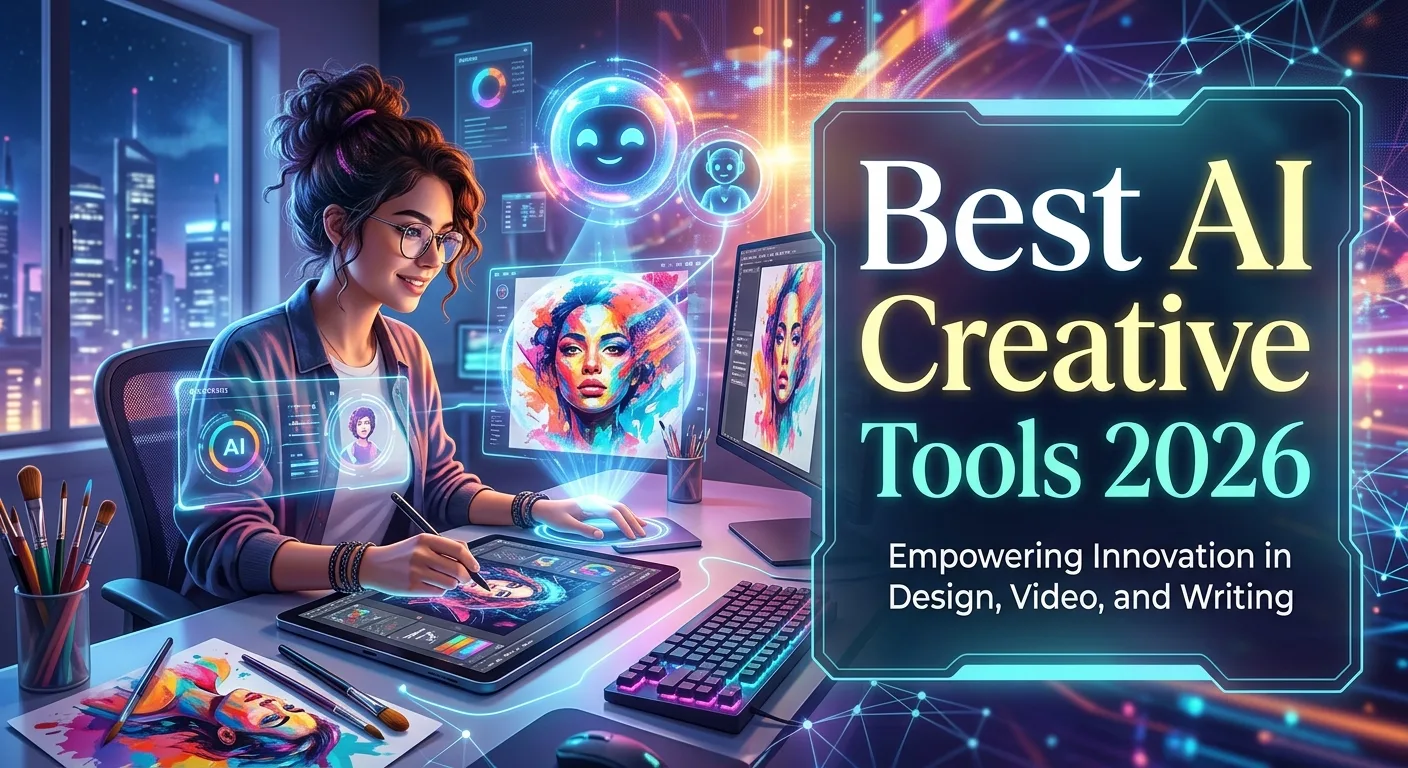
AI has become a powerful part of modern creative work, helping people turn ideas into images, videos, designs, audio, presentations, and other digital content faster than ever. The best AI creative tools 2026 can support brainstorming, automation, editing, experimentation, and production while leaving the final creative decisions in human hands. Current creative platforms increasingly combine multiple AI models and workflows rather than offering only one generation feature.
For example, Adobe says Firefly now brings more than 30 creative AI models into one environment, alongside image and video editing capabilities. Meanwhile, current industry roundups cover AI tools across image generation, video, audio, writing, design, and content repurposing. This guide explains what to look for, where AI creative tools are most useful, their advantages and limitations, and how to build an efficient creative workflow in 2026.
What Are the Best AI Creative Tools in 2026?
AI creative tools are applications that use artificial intelligence to assist with creative tasks. They can generate new content, edit existing assets, suggest ideas, automate repetitive work, or help transform one type of content into another.
The category is broad. Some tools specialize in AI image generation, while others focus on video, audio, writing, graphic design, presentations, animation, or UI/UX design. Increasingly, platforms combine several of these capabilities into one creative workspace.
This expansion means the “best” tool depends on your objective. A graphic designer may prioritize image editing and layout features, while a video creator may care more about text-to-video, sound generation, and timeline editing.
A strong AI creative tool should therefore be judged by output quality, control, workflow speed, ease of use, integration, pricing, and how well it fits your specific project.
How AI Creative Tools Work
Most AI creative applications use machine-learning models trained to recognize patterns in text, images, audio, video, or other data. A user provides an instruction, reference, file, or combination of inputs, and the model generates or modifies content based on that information.
For example, a text-to-image system can interpret a description of a scene and create an image. An image editor can use a written instruction to modify an existing picture. A video system can turn text or a still image into an animated sequence.
Modern tools are becoming increasingly multimodal, meaning they can work with several types of input and output. This makes it possible to move from an idea to multiple creative formats without rebuilding everything manually.
The technology is also moving toward agentic workflows. Adobe announced creative-agent features in 2026 that can orchestrate multi-step creative workflows across its applications, allowing creators to describe an intended outcome while retaining control over the result.
Key Features to Look for in AI Creative Software
The best AI creative software combines generation with editing and control. Generation alone is not enough if you cannot refine the result afterward.
For image work, useful features can include text-to-image generation, image editing, background removal, object replacement, generative expansion, style controls, and reference-image support.
For video, look for text-to-video, image-to-video, editing assistance, sound generation, camera controls, captions, and tools for creating different versions.
Other useful features include:
- Natural-language prompting
- Image generation
- Video generation
- Audio generation
- AI photo editing
- Background removal
- Generative fill
- Creative brainstorming
- Presentation creation
- Brand asset generation
- Automated resizing
- Content repurposing
- Collaboration
- Cloud storage
- Export controls
- Integrations
The most useful platform is usually the one that gives you both speed and creative control.
Benefits of Using AI Creative Tools
The biggest benefit is productivity. AI can handle repetitive tasks quickly, giving creators more time for planning, editing, and creative decision-making.
AI also makes experimentation cheaper and faster. Instead of developing one concept from the beginning, you can explore several possibilities and decide which direction deserves more attention.
For beginners, AI can lower the technical barrier to creative work. Someone with limited design experience can create a starting point for a poster, presentation, illustration, or social media visual.
Professional creators can use AI differently. Instead of replacing their expertise, they can use it to accelerate research, ideation, rough drafts, asset preparation, and repetitive editing.
Adobe reported in 2026 that its Firefly users were increasingly using conversational prompts and iterative creative workflows, illustrating how prompting itself is becoming part of the creative process.
Best AI Tools for Image Creation and Graphic Design
AI image generation remains one of the most popular creative applications. It can help with concept art, illustrations, backgrounds, campaign ideas, thumbnails, mood boards, and visual experimentation.
Designers can use AI to create several visual directions before refining the strongest concept manually. This makes AI particularly useful during the ideation stage.
Tools such as Adobe Firefly, Midjourney, and other image-generation platforms occupy different parts of the creative market. Current design-tool roundups also highlight platforms such as Figma, Canva, Microsoft Designer, Stable Diffusion, and Uizard for different design workflows.
When choosing an image tool, evaluate visual quality, prompt control, editing features, consistency, commercial terms, and export options rather than focusing only on how impressive individual examples look.
Best AI Video Tools for Creators
AI video tools can help creators move from scripts and ideas to visual sequences. Depending on the platform, users can generate scenes from text, animate still images, create B-roll, edit footage, or produce short promotional videos.
This can be especially useful for social media creators and marketing teams that need frequent video content.
Adobe Firefly, for example, provides text-to-video and image-to-video features and can combine generated visuals with sound and editing tools.
AI video still requires careful review. Motion consistency, timing, characters, text, and visual continuity can vary between generations.
The best workflow is to use AI for concepts and production assistance, then review and refine the final sequence manually.
Best AI Tools for Writing, Audio, and Content Creation
Creative AI is not limited to visual design. Writing assistants can help brainstorm topics, create outlines, revise drafts, and develop alternative versions of content.
Audio tools can assist with voice generation, transcription, cleanup, sound effects, and other production tasks. These capabilities can be useful for podcasts, videos, presentations, educational content, and social media.
Content creators can also combine several tools. A long video might become a short script, several social posts, a thumbnail concept, and a short-form video.
Current creator-focused guides group AI tools into categories including writing, video, audio cleanup, image generation, and content repurposing, reflecting how modern creative workflows increasingly cross multiple formats.
The important principle is to maintain a consistent voice and creative direction even when several AI tools are involved.
AI Design Tools for UI, UX, and Branding
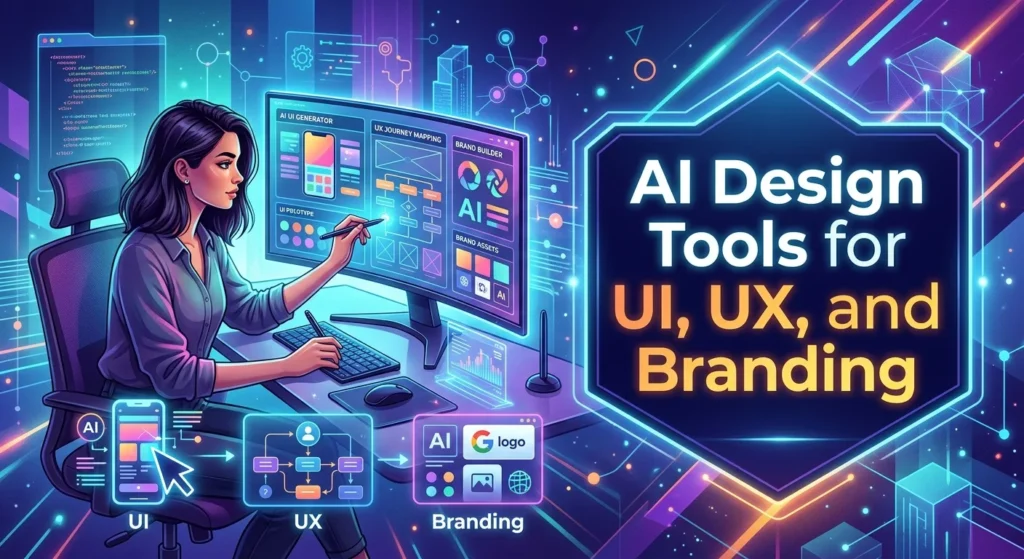
AI is increasingly useful in product and interface design. Designers can use AI to brainstorm layouts, generate prototypes, explore visual systems, and speed up repetitive design tasks.
UI/UX teams can use AI-generated concepts as starting points, but they still need to consider usability, accessibility, information architecture, and user research.
Branding also benefits from rapid experimentation. AI can help explore logo concepts, color directions, typography combinations, campaign visuals, and brand mood boards.
However, brand consistency matters more than generation speed. Any AI-assisted brand asset should be reviewed against the organization’s established visual identity.
Free vs Paid AI Creative Tools
Many AI creative applications provide free plans, trials, or limited usage. These options can be useful for beginners who want to learn how AI fits into their workflow.
Paid plans often provide higher usage limits, advanced models, better exports, collaboration features, or access to professional editing capabilities.
Do not choose a subscription simply because a tool is popular. First determine whether it solves a problem you regularly have.
Before paying, check:
Usage limits, credit systems, export quality, commercial-use terms, supported models, storage, collaboration, and cancellation policies.
Pricing can change, particularly in a rapidly developing AI market, so check the provider’s current pricing page before making a purchase.
Pros, Cons, and Limitations of AI Creative Tools
AI creative tools offer clear advantages. They can save time, encourage experimentation, automate repetitive work, and make creative technology easier to access.
They can also help small teams produce more content without needing a large production department.
However, AI-generated content can contain mistakes. Images may have unwanted details, generated text can be inaccurate, and video may contain inconsistencies.
Another concern involves originality and licensing. Different platforms have different policies concerning generated content and commercial usage.
There is also a risk of creative sameness. If thousands of creators use identical prompts and templates, their work may begin to look similar.
Human judgment remains essential. AI should increase creative possibilities rather than remove the person responsible for deciding what the content should communicate and why.
Common Mistakes When Using AI Creative Tools
A common mistake is accepting the first result. AI generation works best as an iterative process.
Another mistake is using vague prompts. Clear instructions about the subject, purpose, style, composition, audience, and constraints can make experimentation more productive.
Creators should also avoid using too many tools at once. Switching between ten different applications can create more work than it saves.
Another issue is failing to verify generated information. Creative content can still contain factual errors, especially when AI generates supporting text.
Finally, do not forget human editing. The strongest AI-assisted work usually combines machine-generated possibilities with human selection, refinement, and judgment.
AI Creative Tools for Marketing and Social Media
Marketing teams can use AI to create campaign concepts, social media graphics, short videos, presentations, product visuals, and content variations.
One campaign can potentially produce several formats from the same creative direction. This helps teams adapt content for different platforms without rebuilding everything manually.
AI can also support rapid A/B testing of creative concepts. A marketing team can explore multiple headlines, visuals, layouts, and messages before selecting the strongest combination.
However, automation should not replace strategy. A fast production pipeline is valuable only when the resulting content supports a clear audience and business objective.
Consistency, relevance, and quality should remain more important than publishing volume.
Latest AI Creative Trends in 2026
One of the biggest trends is the shift from individual AI features toward complete creative workflows. Instead of generating one image, modern platforms increasingly combine ideation, generation, editing, organization, and publishing.
Adobe’s 2026 Firefly updates illustrate this movement. The company describes Firefly as an all-in-one creative AI studio and has introduced custom models, multi-model access, AI assistants, video editing, and other capabilities.
Another trend is agentic creativity. Rather than manually moving between multiple tools, creators can increasingly describe a desired outcome and allow an AI system to coordinate multiple production steps.
Multimodal creation is also growing. Image, video, audio, text, and design workflows are becoming increasingly connected.
These trends suggest that future creative software will focus less on isolated generation and more on helping creators move from idea → concept → production → refinement → delivery.
How to Choose the Best AI Creative Tools in 2026
Start with your primary creative goal. If you create images, focus on image generation and editing. If you produce videos, prioritize video generation and editing. If you design interfaces, look for prototyping and design-system capabilities.
Then consider your existing workflow. A tool that integrates with the software you already use can save more time than a technically impressive tool that requires constant exporting and importing.
Evaluate quality, control, speed, ease of use, integrations, pricing, privacy, and commercial-use policies.
Most importantly, test the tool using a real project. Ask whether it actually saves time and improves the final result.
The best AI creative tool is not necessarily the one with the most features. It is the one that makes your creative process more efficient without taking away your creative control.
Frequently Asked Questions About Best AI Creative Tools 2026
What are the best AI creative tools in 2026?
The best tool depends on the task. Major categories include AI image generation, video creation, photo editing, graphic design, writing, audio, UI/UX, and content repurposing.
Are AI creative tools good for beginners?
Yes. Many provide natural-language interfaces, templates, and automated workflows. Beginners can start with simple projects and gradually learn more advanced prompting and editing techniques.
Can AI replace professional designers?
AI can automate parts of design work, but professional designers still provide creative direction, problem-solving, brand knowledge, user understanding, and quality control.
Are AI creative tools free?
Some offer free plans or trials, while others require subscriptions or usage credits. Features and pricing vary, so check the provider’s current plan details.
Which AI tool is best for image generation?
There is no universal winner. Different tools specialize in different visual styles and workflows. Consider image quality, consistency, editing controls, prompt handling, and licensing.
Can AI create videos?
Yes. Modern AI video tools can generate clips from text or images, animate still visuals, create B-roll, and assist with editing. Adobe Firefly, for example, offers both text-to-video and image-to-video capabilities.
Can AI help with graphic design?
Yes. AI can assist with layouts, image creation, editing, branding concepts, presentations, and content resizing.
Are AI-generated designs safe for commercial use?
It depends on the tool, model, and applicable terms. Always review the current commercial-use and licensing conditions before using generated assets in important commercial projects.
How can I get better results from AI creative tools?
Use clear prompts, provide useful references, generate multiple variations, select the strongest result, and refine it manually. Treat AI as a creative collaborator rather than an automatic final-output machine.
What is the future of AI creative tools?
AI creative software is moving toward multimodal, integrated, and agentic workflows that can coordinate multiple creative tasks. Human creative direction is likely to remain important while AI handles more repetitive production work.
Conclusion
The best AI creative tools 2026 can make creative work faster, more accessible, and more experimental. They can help with images, video, writing, audio, branding, UI/UX, marketing, and content production.
The most important change is that AI is moving beyond simple generation. Modern platforms increasingly combine ideation, creation, editing, automation, and workflow management in one environment.
Still, AI works best when humans remain in control. Use it to explore ideas, automate repetitive tasks, and accelerate production, but rely on your own judgment for originality, accuracy, storytelling, and final quality.
In 2026 and beyond, the strongest creators will not necessarily be those who use the most AI tools. They will be those who know which tools to use, when to use them, and how to turn AI-generated possibilities into genuinely useful creative work.