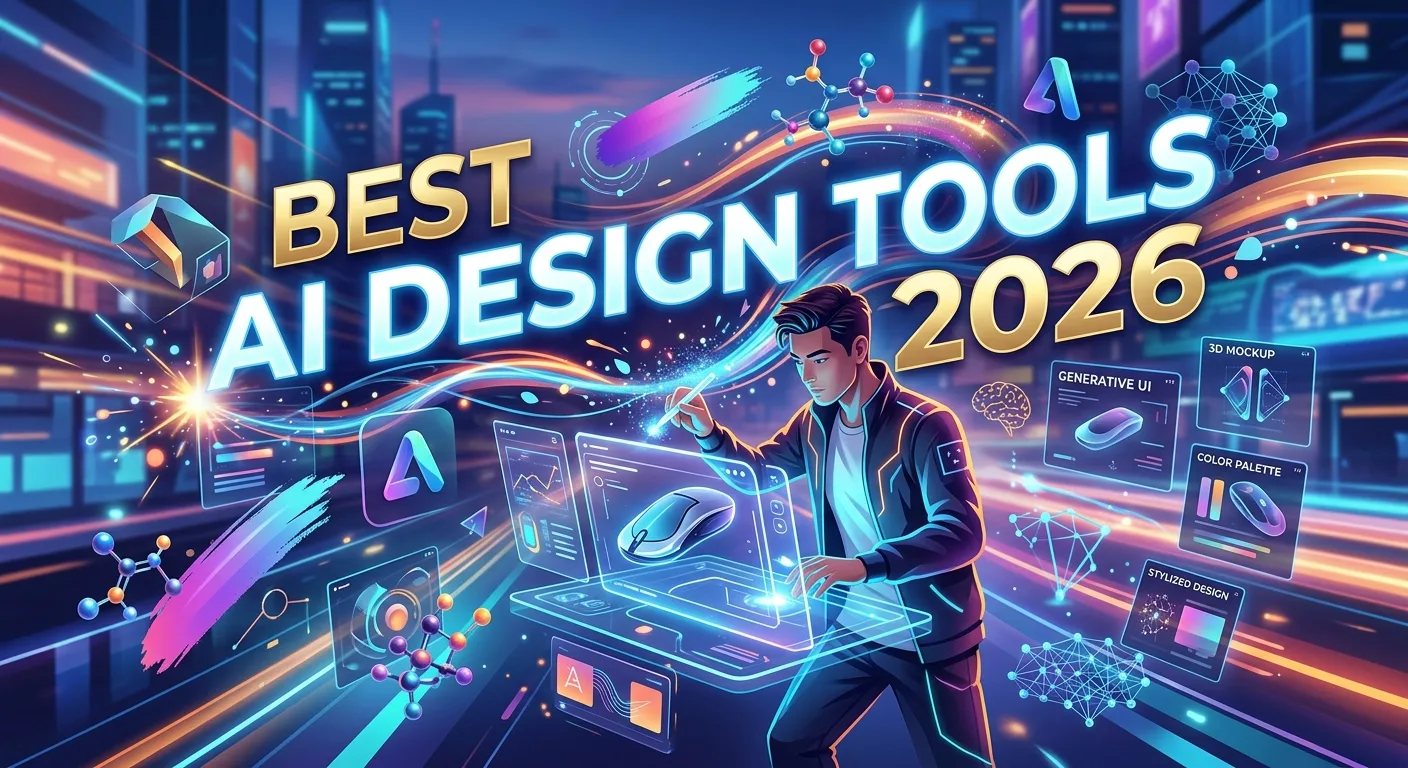
The design industry is changing rapidly as artificial intelligence becomes part of everyday creative workflows. The best AI design tools 2026 can help designers, marketers, developers, creators, and businesses turn ideas into polished visuals faster while improving productivity and experimentation. Modern AI design software can assist with image generation, UI design, branding, presentations, photo editing, video concepts, illustrations, layouts, and creative brainstorming..
Instead of replacing designers, these tools can handle repetitive tasks and accelerate the early stages of creative work, giving people more time to focus on strategy, originality, and visual storytelling. Whether you are a professional designer or a beginner, choosing the right AI tool depends on your goals, workflow, budget, and required level of creative control. This guide explores the most important categories, features, benefits, limitations, use cases, pricing considerations, and trends shaping AI-powered design in 2026 and beyond.
What Are the Best AI Design Tools in 2026?
The best AI design tools 2026 are software applications that use artificial intelligence to help people create, edit, organize, or improve visual content. They can assist with tasks that once required significant manual effort, including generating concepts, removing backgrounds, creating layouts, producing images, editing photographs, and developing interface ideas.
AI design technology now covers a broad range of creative work. Some platforms specialize in image generation, while others focus on user interface design, graphic design, presentations, branding, video, or photo editing. There are also general AI assistants that can help designers brainstorm concepts and develop creative directions.
The right tool depends on the problem you want to solve. A social media creator may need fast template generation, while a UI designer may need AI-assisted wireframing and prototyping. A photographer may prioritize image enhancement, whereas a brand designer may need tools for concept exploration and visual consistency.
Therefore, there is no single AI design application that is automatically best for everyone. The best tool is the one that fits your creative workflow and produces useful results without reducing your control over the final design.
How AI Design Tools Work
AI design tools typically use machine learning models to understand text instructions, images, design patterns, or other forms of input. Depending on the application, you might describe an idea in natural language, upload an image, select an object, or provide an existing design.
For example, you could enter a prompt describing a futuristic technology illustration. An AI image generator can interpret the text and produce visual concepts based on the requested subject, composition, lighting, and style.
Other tools work directly inside a design canvas. They may help resize content, remove unwanted objects, generate alternative layouts, create text variations, or adapt an existing design for different formats.
Modern AI systems can also combine multiple capabilities. A designer might generate an initial visual concept, edit it with AI-powered tools, place it into a layout, create supporting copy, and prepare different versions for social media or advertising.
The important thing to understand is that AI generates possibilities, not guaranteed perfection. Human review remains essential for composition, accuracy, brand consistency, accessibility, and final quality.
Key Features to Look for in AI Design Software
When evaluating AI design software, start with the features that directly support your work. Text-to-image generation is useful for concept development, illustrations, mood boards, marketing visuals, and creative experimentation.
AI image editing is another important category. Useful capabilities may include background removal, object replacement, image expansion, resolution enhancement, lighting adjustments, and intelligent retouching.
For product and UI designers, look for features such as AI-assisted wireframes, layout generation, design-to-code workflows, component suggestions, and prototyping support.
Other valuable features include:
- Generative image creation
- Background removal
- Object editing
- Generative fill or expansion
- AI-assisted layouts
- Typography suggestions
- Brand asset generation
- Presentation design
- Image enhancement
- Vector generation
- Template creation
- Mockup generation
- Design resizing
- Collaboration tools
- Cloud storage
- Export options
- Team permissions
- Workflow integrations
A good tool should also provide control over the output. Fast generation is useful, but designers need the ability to refine, edit, regenerate, and combine AI output with traditional design techniques.
Benefits of Using AI Design Tools in 2026
The biggest advantage of AI design software is speed. Tasks that previously required extensive manual work can often be completed much faster with AI assistance.
AI can also increase creative exploration. Instead of developing one concept and spending hours refining it immediately, designers can quickly generate several directions and determine which ideas deserve deeper development.
Another major benefit is accessibility. Beginners can use AI-powered design tools to create professional-looking starting points even if they have limited experience with traditional design software.
For experienced designers, AI can reduce repetitive work. Background removal, resizing, image variations, rough concepts, and content adaptation can consume valuable time. Automating parts of these processes allows designers to focus on higher-value creative decisions.
AI can also improve productivity and experimentation. Marketing teams can test different visual directions, product teams can explore interface concepts, and content creators can develop multiple creative variations before selecting the strongest one.
However, the strongest results usually come from a human-plus-AI workflow. AI provides speed and possibilities, while humans provide taste, context, strategy, originality, and quality control.
Best AI Design Tools for Graphic Design and Branding
Graphic designers can use AI to accelerate brainstorming, visual exploration, and production. AI can generate early concepts for posters, advertisements, social media graphics, brochures, thumbnails, and other visual assets.
Branding is another area where AI can help during the exploration stage. A designer can experiment with different visual directions, color concepts, typography combinations, imagery styles, and campaign ideas.
However, branding requires consistency. A company cannot simply generate unrelated visuals every time it needs a new asset. Brand designers should establish clear rules for logos, typography, colors, imagery, spacing, and tone.
AI works particularly well when it supports concept development rather than replacing brand strategy. For example, a designer could generate several visual mood-board directions and then use professional design judgment to select and refine one.
When using AI for commercial branding, also check the tool’s current terms regarding ownership, licensing, commercial use, and generated content. These policies can vary between providers and may change over time.
Best AI Design Tools for UI, UX, and Product Design
AI is increasingly useful for digital product design. UI and UX professionals can use AI to explore interface structures, generate wireframe ideas, organize content, and accelerate repetitive design tasks.
A product designer might describe an application concept and ask an AI-powered design system to suggest a basic screen structure. The result can provide a starting point for further research and iteration.
AI can also help transform ideas into prototypes or suggest variations of existing interfaces. This can make early experimentation faster, especially when a team wants to compare multiple approaches before investing heavily in development.
However, good UX requires more than visual appearance. Designers still need to understand user behavior, accessibility, information architecture, interaction patterns, business objectives, and usability testing.
AI-generated interfaces should therefore be treated as prototypes or starting points. Validate important design decisions with real users rather than assuming an AI-generated interface is automatically intuitive.
Best AI Design Tools for Image Generation and Creative Visuals
AI image generators have become one of the most visible categories of AI design technology. They allow users to create visual concepts from natural-language prompts.
These systems can be useful for illustrations, concept art, campaign ideas, editorial imagery, mood boards, backgrounds, fictional environments, and creative experiments.
Prompt quality can influence the result significantly. A vague prompt such as “modern office” may produce a generic image. A more detailed prompt can describe the subject, environment, composition, lighting, perspective, mood, and intended use.
For professional work, designers should also consider consistency. Generating one impressive image is different from creating a complete campaign where multiple images share a coherent visual identity.
AI image generation is therefore most powerful when combined with human art direction. The designer decides what the image needs to communicate, evaluates the generated concepts, and performs the final editing and composition.
Best AI Design Tools for Photo Editing and Image Enhancement
AI-powered photo editing can dramatically reduce the time required for common image adjustments. Tools can assist with removing unwanted objects, extending image boundaries, improving resolution, separating subjects from backgrounds, and correcting certain visual problems.
For photographers and content creators, these features can simplify workflows that traditionally required multiple editing steps.
AI enhancement can also help prepare images for different platforms. A single photograph may need different dimensions for a website, social media post, advertisement, presentation, or mobile screen.
However, designers should avoid relying on automatic enhancement without reviewing the result. AI may create visual artifacts or alter details that matter to the original image.
A professional workflow should include zoomed-in inspection, comparison with the original, and manual corrections where necessary. The goal is not simply to make an image look different but to improve it while preserving important visual information.
Best AI Design Tools for Presentations, Social Media, and Marketing
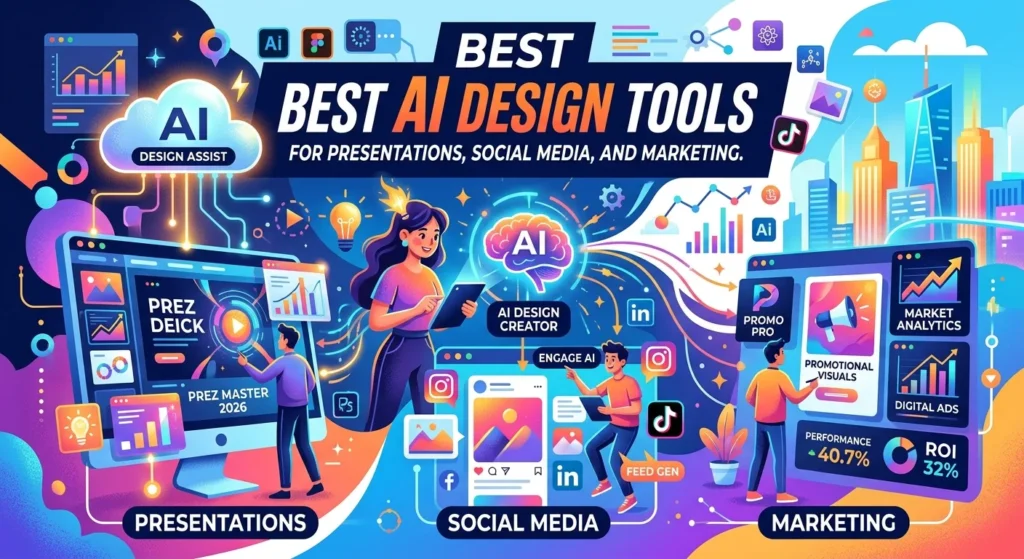
Marketing teams often need a large volume of visual content. AI design tools can help create presentation layouts, campaign concepts, social media graphics, advertisements, thumbnails, and promotional materials.
This is particularly useful for small businesses that may not have a dedicated design department. AI can help transform basic information into a visual starting point that a marketer can edit.
For example, a business launching a new service might use AI to create several campaign concepts. The team can compare different visual directions before choosing one for final production.
AI can also help adapt content to different formats. A single campaign may require landscape banners, square posts, vertical stories, presentations, and website graphics.
The key is to maintain visual consistency across formats. Automation should make adaptation easier without turning every asset into a generic template.
Free vs Paid AI Design Tools
Many AI design platforms offer free plans, limited credits, trials, or basic features. Free options can be excellent for beginners who want to experiment with AI-assisted design before committing to a subscription.
Paid plans often provide greater usage limits, higher-quality exports, additional editing capabilities, collaboration features, premium assets, commercial options, or access to more advanced AI models.
The right choice depends on how frequently you design and what type of work you produce. Someone creating occasional social media graphics may not need an expensive subscription, while a professional designer working daily with AI may benefit from advanced features.
Before purchasing, check the current pricing, usage limits, commercial rights, export restrictions, and included AI credits. AI pricing models can change, and some platforms charge based on generations or usage.
A practical approach is to start with a free plan, test your real workflow, and upgrade only when the additional features provide measurable value.
AI Design Integrations and Creative Workflows
Integrations can make AI design tools more useful because designers rarely work inside one application. A typical project may involve design software, cloud storage, project management, communication platforms, development tools, and publishing systems.
AI can help connect parts of this workflow. For example, a marketing team could develop an AI-generated concept, refine it in a design application, organize campaign assets in cloud storage, and prepare multiple export formats.
Product teams can connect design workflows with documentation and development processes. This can reduce repetitive communication and make it easier for designers and developers to share visual context.
When evaluating integrations, consider compatibility, export formats, collaboration, version history, permissions, and data security.
Do not add integrations simply because they are available. A simple workflow with fewer tools can be more productive than a complicated system that requires constant maintenance.
Pros, Cons, and Limitations of AI Design Tools
AI design tools offer significant advantages, but they also have limitations. Their strongest benefits include speed, creative exploration, automation, accessibility, and reduced repetitive work.
They can help people produce first drafts quickly and allow experienced designers to explore more possibilities within the same amount of time.
However, AI output may contain inconsistencies. Text inside generated images can be incorrect, visual details may not match the prompt, and layouts can require substantial refinement.
There are also questions around copyright, licensing, originality, privacy, and commercial usage. Designers should understand the terms of the specific platform they use and avoid assuming that every AI-generated result has identical legal or commercial treatment.
Another limitation is creative sameness. If everyone uses the same templates and generation styles, visual content can become repetitive.
Human art direction remains important because good design involves communication, purpose, cultural awareness, hierarchy, and intentional choices—not just attractive visuals.
Common AI Design Mistakes to Avoid
One of the biggest mistakes is assuming that the first AI-generated result is the final design. AI output should usually go through a selection and refinement process.
Another mistake is writing vague prompts and then blaming the tool for poor results. Good prompting should explain the objective, audience, subject, visual direction, composition, and constraints when those details matter.
Designers should also avoid adding AI-generated visuals to projects without checking licensing and usage requirements. This is especially important for commercial campaigns and client work.
Another common problem is ignoring accessibility. A visually attractive design can still fail if text lacks sufficient contrast, layouts are confusing, or important information exists only inside an image.
Finally, do not use AI simply because it is fashionable. If a traditional design method is faster and produces better results, use it.
AI is a tool, not a requirement.
Latest AI Design Trends in 2026
AI design is moving toward deeper integration with professional creative software. Instead of using AI as a separate website, designers increasingly expect AI capabilities to exist directly inside their normal workflow.
Multimodal design systems are also becoming more important. Designers can increasingly work with text, images, layouts, screenshots, video, and other creative inputs in interconnected workflows.
Another major trend is personalization. AI can help create variations for different audiences, markets, formats, or campaign objectives without requiring every asset to be rebuilt manually.
Design-to-code workflows are also becoming more significant for product teams. AI can help bridge the gap between visual concepts and functional interfaces, although developers still need to review generated code for quality, security, accessibility, and maintainability.
The industry is also paying more attention to responsible AI, provenance, content authenticity, licensing, and governance. As AI-generated content becomes easier to produce, organizations will need better processes for determining how creative assets are created and approved.
Future AI design tools are likely to become more context-aware. Instead of simply responding to one prompt, they may understand a project’s brand system, design library, target audience, and previous creative decisions.
How to Choose the Best AI Design Tools in 2026
Start by identifying your primary design task. Do you need image generation, photo editing, UI design, presentations, branding, social media graphics, or creative brainstorming?
Next, evaluate the tool according to output quality, editing control, ease of use, speed, integrations, pricing, commercial rights, privacy, and workflow compatibility.
If you are a beginner, prioritize simplicity. A tool with an intuitive interface and useful templates may be more valuable than a highly technical platform with dozens of advanced settings.
Professional designers may prioritize control, file compatibility, precision, collaboration, version history, and integration with existing creative software.
Always test the tool using a real project. Generate several assets and ask whether they actually reduce your workload. Check whether the output requires extensive corrections.
The best AI design tool should provide measurable creative or productivity benefits. It should make your workflow better, not simply add another application to manage.
Frequently Asked Questions About the Best AI Design Tools 2026
What are the best AI design tools in 2026?
The best tool depends on your design needs. Image generation, UI design, photo editing, branding, presentations, and social media content each have different requirements. Choose a tool based on output quality, control, workflow fit, pricing, and commercial usage terms.
Are AI design tools suitable for beginners?
Yes. Many AI design platforms provide templates, natural-language interfaces, automated editing, and guided workflows that make design more accessible to beginners. However, learning basic design principles will help beginners get much better results.
Can AI replace graphic designers?
AI can automate some design tasks, but it does not completely replace the strategic and creative role of a professional designer. Human designers provide art direction, problem-solving, brand understanding, visual judgment, and client communication.
Are AI design tools free?
Some offer free plans, trials, or limited generations. Paid plans may provide higher usage limits, better exports, advanced features, or commercial capabilities. Always check the provider’s current pricing before subscribing.
Can AI create professional logos?
AI can generate logo concepts and visual directions, but professional branding usually requires additional refinement. Designers should check scalability, typography, originality, brand consistency, and legal considerations before using an AI-generated logo commercially.
Which AI tools are best for UI/UX design?
Tools with AI-assisted wireframing, prototyping, layout generation, design systems, and developer handoff features can be useful for UI/UX workflows. The right option depends on your existing design environment and team requirements.
Can AI improve photographs?
Yes. AI can assist with background removal, object editing, image expansion, enhancement, and other photo-editing tasks. Results should always be reviewed because automated edits can sometimes introduce unwanted changes.
Are AI-generated designs copyright-free?
Not necessarily. The legal treatment of AI-generated content varies by jurisdiction and circumstances, and individual platforms have their own terms. Review the current licensing and commercial-use policies of the tool and obtain professional legal advice for important commercial questions.
How can designers get better AI results?
Provide clear instructions, define the desired visual style, explain the purpose and audience, and include important constraints. Then generate multiple variations and refine the strongest result manually.
What is the future of AI design?
AI design is likely to become more integrated into creative software and professional workflows. Future systems may better understand brand guidelines, design systems, user context, multimodal assets, and project requirements, allowing designers to move from idea to polished output faster.
Conclusion
The best AI design tools 2026 are not simply the applications that generate the most impressive images. The most valuable tools are those that solve real creative problems, accelerate repetitive tasks, support experimentation, and give designers meaningful control over the final result.
AI can help with image generation, photo editing, UI/UX design, branding, presentations, marketing graphics, and many other creative workflows. For beginners, it can make professional design more accessible. For experienced designers, it can provide a powerful productivity layer that speeds up exploration and production.
The smartest approach is to combine AI automation with human creativity and design expertise. Use AI to generate possibilities, organize ideas, and handle repetitive tasks. Then apply your own judgment to refine, verify, and communicate the final design.
As AI continues to evolve beyond 2026, designers who learn how to direct these systems effectively will have an important advantage. The future of design is not simply human versus AI. It is human creativity amplified by intelligent tools.