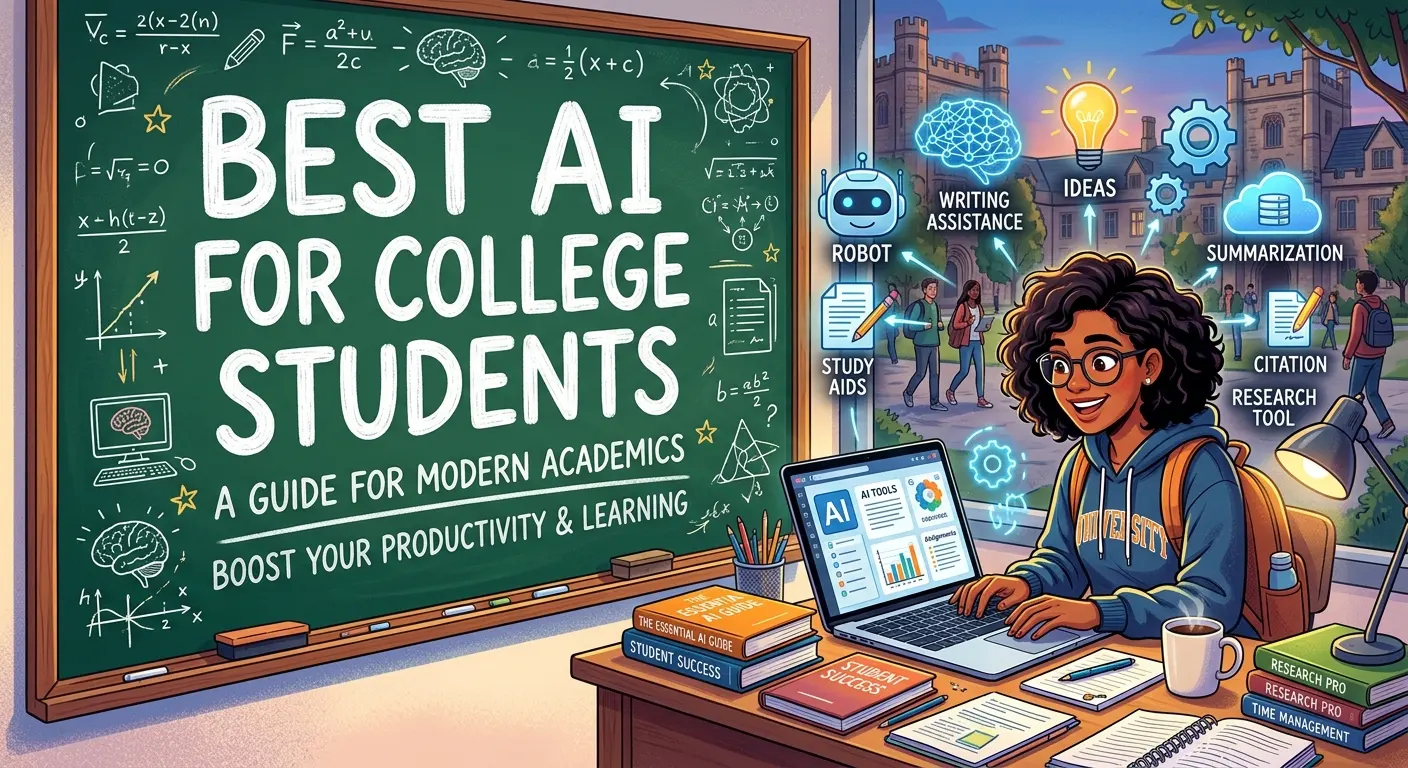
AI tools have become useful study companions for college students, helping with learning, research, organization, brainstorming, coding, writing practice, and exam preparation. But the best AI for college students is not necessarily the tool that produces the fastest answer. A better choice is one that helps you understand difficult concepts, work with your own class materials, organize information, and improve your skills.
In 2026, several major AI platforms have introduced education-focused features. ChatGPT offers Study Mode, which can guide students through problems step by step, while Google has expanded Gemini and NotebookLM with learning-focused features such as study notebooks and source-based study materials. Anthropic also offers education-focused Claude features designed around guided learning. (OpenAI Help Center)
This guide explains how to choose the best AI for college students, what different tools are good at, their advantages and limitations, and how to use AI responsibly without replacing genuine learning.
What Is the Best AI for College Students?
There is no single AI tool that is perfect for every college student. The best choice depends on what you want to accomplish. A student studying mathematics may need step-by-step tutoring, while someone researching a topic may prioritize source organization. A computer science student may care more about coding assistance, while another student may need help organizing lecture notes.
For general learning, ChatGPT is a strong all-purpose option, particularly because its Study Mode is designed to guide students rather than simply provide final answers. OpenAI says Study Mode can explain concepts step by step, ask questions, create practice questions, review uploaded course materials, and check understanding. (OpenAI Help Center)
Google’s ecosystem is another strong option for students who already use Google Workspace. Gemini and NotebookLM can work with educational materials, while Google’s newer study notebooks are designed to create personalized learning experiences from a student’s goals and uploaded materials. (blog.google)
The most important question is therefore not simply “Which AI is number one?” It is “Which AI best matches my particular study task?”
How AI Helps College Students Learn More Efficiently
AI can reduce the time students spend on repetitive study tasks. Instead of searching through several pages for a basic explanation, students can ask an AI tutor to explain a concept at an appropriate difficulty level.
For example, a student learning economics could ask for a simple explanation of supply and demand, followed by a real-world example and then a few practice questions. This creates an interactive learning process rather than a passive reading experience.
AI can also help break large assignments into manageable steps. A student might ask it to turn a broad study goal into a weekly plan, identify topics that need review, or create a set of practice questions.
However, efficiency should not mean skipping the learning process. The strongest use of AI is to reduce unnecessary friction while keeping the student actively involved in thinking, solving, checking, and explaining.
Best AI for College Students Who Need a Study Tutor
A study-focused AI should behave more like a tutor than an answer generator. It should explain reasoning, ask questions, identify misunderstandings, and adjust its explanations to the learner’s level.
ChatGPT’s Study Mode is specifically designed around this approach. OpenAI says it can ask questions about what the student already knows, guide them through problems, explain ideas in layers, and quiz them to check understanding. (OpenAI Help Center)
Claude also offers an education-focused learning mode. Anthropic describes Claude’s learning approach as a thinking partner rather than an answer machine, using guided exploration and Socratic questioning to encourage deeper understanding. (Anthropic)
For students, this type of interaction can be especially valuable when studying difficult subjects. Instead of asking, “Give me the answer,” try asking, “Give me a hint, let me attempt the next step, and then tell me whether my reasoning is correct.”
Best AI for College Students Studying From Notes and PDFs
One of the most useful applications of AI in college is working with your own study materials. Lecture notes, slides, readings, syllabi, and other course documents can contain a large amount of information that is difficult to organize manually.
NotebookLM is particularly relevant to this use case. Google’s education materials describe NotebookLM as a tool students and educators can use with their course content, while newer Gemini study features can connect learning materials with NotebookLM for activities such as flashcards and other study resources. (blog.google)
ChatGPT Study Mode can also work with uploaded course materials when file uploads are available. OpenAI says students can provide notes, slides, PDFs, worksheets, syllabi, and other materials for study assistance. (OpenAI Help Center)
A useful workflow is simple: upload your material, ask for a structured explanation, identify unclear sections, then test yourself without looking at the notes.
Best AI for Research and Understanding Complex Topics
Research is another area where AI can help college students. It can help generate search ideas, explain unfamiliar terminology, summarize provided material, identify questions worth investigating, and organize information.
However, students should not treat an AI-generated response as automatically accurate. AI systems can make factual mistakes or provide information without sufficient context.
For academic research, use AI as a starting point and verify important claims against original papers, textbooks, university resources, official documentation, and other credible sources. If a citation matters, open the source and confirm that it actually supports the statement.
AI can also help students understand research papers. For example, you can ask it to explain a difficult section in simpler language and then compare its explanation with the original paper.
This creates a valuable workflow: AI helps with comprehension; authoritative sources provide verification.
Best AI for College Writing and Brainstorming
AI can be useful during the early stages of writing. Students can use it to brainstorm possible research questions, organize ideas, identify unclear sentences, practice different writing styles, or receive feedback on structure.
A particularly useful approach is to ask AI for feedback rather than finished work. For example, you can provide your own paragraph and ask what is unclear, where the argument needs stronger evidence, or whether the organization makes sense.
This approach helps preserve your own voice and reasoning. It also gives you a chance to learn from the feedback rather than simply submitting generated text.
Before using AI for coursework, check your instructor’s rules. Some classes permit brainstorming or editing assistance but restrict generated content. Academic policies always take priority over what an AI tool technically allows.
Best AI for Coding and Computer Science Students

AI can be a valuable programming study partner. Students can use it to explain programming concepts, identify bugs, discuss alternative approaches, generate small examples, and help interpret error messages.
For example, instead of asking AI to complete an entire programming assignment, ask it to explain why a particular function produces an error. Then attempt the fix yourself.
This approach builds transferable skills such as debugging, problem decomposition, code reading, testing, and software design.
AI-generated code should also be reviewed carefully. A program can look correct while containing logic errors, security problems, inefficient approaches, or assumptions that do not match the assignment.
The strongest computer science students use AI to accelerate experimentation while still being able to explain what their code does.
Best AI for Exam Preparation and Practice Questions
Exam preparation is one of the areas where AI can become a personalized practice partner.
You can provide your study topics and ask for questions that gradually increase in difficulty. After answering, ask the AI to identify mistakes and explain the underlying concept.
Google’s newer Gemini study notebooks are designed around this kind of adaptive learning. Google says they can create personalized lessons based on learning goals, track strengths and focus areas, and use quizzes to adjust what the student should study next. (blog.google)
ChatGPT Study Mode can also create practice questions and quiz students one question at a time. (OpenAI Help Center)
For the best results, attempt each question before seeing the explanation. Retrieval practice is much more useful when your brain has to actively recall the information.
Free vs Paid AI Tools for College Students
Many AI platforms offer free access, while paid plans can provide higher limits, additional models, or advanced features. Students should not automatically pay for premium access.
Start by identifying the tasks you actually need help with. If you mainly want explanations, practice questions, and basic brainstorming, a free option may be sufficient.
Some universities also provide institution-managed AI services. Google says schools can provide Gemini for Education and NotebookLM to students at no cost through supported education arrangements. (blog.google)
Before purchasing anything, check whether your college already provides access. Using an existing educational license can save money and may provide additional privacy or administrative protections.
Key Features to Look for in Student AI Tools
A useful student AI tool should offer more than impressive text generation. Look for features that directly improve your learning workflow.
Important capabilities include step-by-step tutoring, file support, source-based answers, quizzes, flashcards, writing feedback, coding assistance, organization, and personalization.
Privacy also matters. Students should understand what information they are uploading and how the service handles it. Avoid unnecessarily sharing sensitive personal information or confidential university material.
Accuracy is equally important. A strong study workflow should make it easy to verify information rather than encouraging blind trust.
Finally, consider usability. The best tool is one you can actually use consistently without creating unnecessary complexity.
Pros and Cons of Using AI in College
AI offers several important benefits. It can provide explanations on demand, create personalized practice materials, help organize information, support brainstorming, and reduce the time needed for repetitive study tasks.
It can also make difficult subjects feel more approachable. Students can ask the same concept to be explained in several different ways until one explanation makes sense.
There are disadvantages, too. AI can make mistakes, encourage overdependence, produce generic explanations, or make it tempting to avoid challenging work.
Another concern is academic integrity. Using AI in a way that violates a course policy can create serious academic problems. The safest approach is to understand your instructor’s rules and use AI in ways that support learning rather than conceal authorship.
How to Choose the Right AI for Your College Major
Different majors can benefit from different AI workflows.
A computer science student might prioritize coding explanations, debugging, project planning, and technical documentation. A biology student may benefit more from concept explanations, study guides, and question generation.
A business student might use AI for brainstorming, case-study analysis, presentation planning, and communication practice. A literature student could use it to discuss themes, compare interpretations, and identify questions for further reading.
The key is to start with the task rather than the tool. Ask yourself: What am I struggling with right now? Then choose an AI workflow that addresses that problem.
This prevents the common mistake of using the same AI approach for every subject.
Common Mistakes College Students Make With AI
The biggest mistake is using AI as an answer machine. If you immediately request the final solution to every problem, you lose the opportunity to develop independent reasoning.
Another mistake is failing to verify information. AI can confidently present an incorrect explanation, citation, calculation, or interpretation.
Students should also avoid uploading information without considering privacy. Course materials may contain personal information, unpublished research, or material subject to institutional restrictions.
Finally, don’t assume AI-generated writing automatically meets academic standards. Your professor may expect original analysis, evidence, citations, and your own reasoning. AI output should never replace those requirements.
How to Use AI Without Hurting Your Learning
A strong rule is simple: try first, ask second, verify third.
Attempt the problem yourself before asking AI for assistance. If you become stuck, request a hint or explanation rather than the final answer. After receiving help, solve a similar problem independently.
For writing, create your own outline and initial ideas before asking AI for feedback. For research, read the original sources and use AI to clarify difficult sections.
For exam preparation, ask AI to test you rather than simply summarize everything. This makes the learning process active.
The goal is to make AI a study partner, not a replacement for your textbook, professor, classmates, library resources, or your own thinking.
Latest AI Trends for College Students in 2026
AI education tools are moving toward more personalized learning. Google’s 2026 study notebooks, for example, are designed to identify learning goals and knowledge gaps, then provide adaptive lessons and progress tracking. (blog.google)
Universities are also adopting institution-managed AI systems. Google reported in 2025 that more than 1,000 higher-education institutions were using Gemini for Education, reaching more than 10 million college students in the United States. (blog.google)
Another important trend is source-grounded AI. Rather than asking an AI system to answer from general knowledge, students can increasingly provide course materials and ask questions based on those sources.
AI literacy is becoming just as important as tool access. Students need to understand how AI works, where it can fail, how to verify information, and how to use it ethically.
Future of AI for College Students
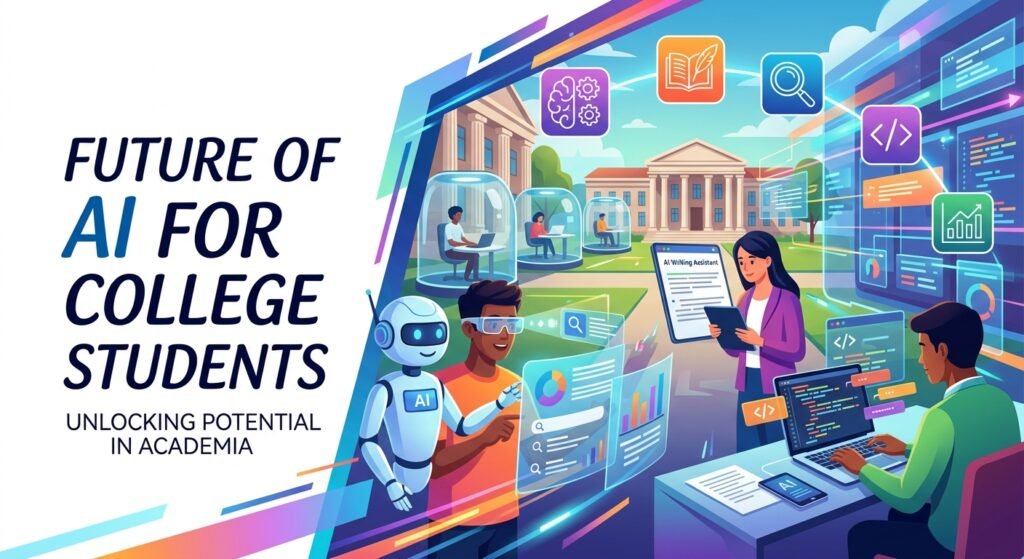
The future of student AI will likely move toward personalized learning environments rather than simple chat interfaces.
AI systems may increasingly understand a student’s goals, identify weak areas, generate appropriate practice, track progress, and recommend what to study next. Google’s study notebooks already demonstrate this direction by combining diagnostic quizzes, personalized lessons, progress tracking, and course materials. (blog.google)
Universities are also likely to develop clearer AI policies and institution-managed tools. Google’s higher-education initiatives and Anthropic’s Claude for Education both demonstrate growing interest in education-specific AI environments. (blog.google)
The most valuable future skill will not be simply knowing how to prompt an AI. It will be knowing when to use AI, how to question its output, how to verify information, and how to combine AI assistance with independent reasoning.
Conclusion:
The best AI for college students depends on the student’s subject, learning style, budget, and specific task. For general tutoring, ChatGPT’s Study Mode provides guided, interactive learning. For working with course materials, NotebookLM and Gemini offer increasingly specialized education features. Claude also provides learning-focused capabilities designed around guided exploration. (OpenAI Help Center)
The best results come from using AI actively. Ask for explanations, hints, practice questions, feedback, and source-based summaries. Then verify important information and complete the thinking yourself.
AI should make studying more efficient without making learning passive. When used responsibly, it can become a powerful supplement to lectures, textbooks, professors, classmates, libraries, and your own effort.
FAQs About
What is the best AI for college students?
There is no universal winner. ChatGPT, Gemini, NotebookLM, and Claude each offer useful education-focused capabilities, and the best choice depends on the student’s specific needs. (OpenAI Help Center)
Is ChatGPT good for college students?
Yes. ChatGPT’s Study Mode is designed to help students learn through step-by-step explanations, questions, practice problems, quizzes, and uploaded study materials. (OpenAI Help Center)
Is Gemini useful for college students?
Yes. Google’s Gemini ecosystem includes learning-focused features such as Guided Learning and study notebooks, while NotebookLM can help students work with their own learning materials. (blog.google)
Can AI help me study for exams?
Yes. AI can generate practice questions, explain difficult concepts, create study plans, and quiz you. Testing yourself is generally more useful than simply asking AI to summarize everything.
Can college students use AI for essays?
AI can help with brainstorming, organization, explanations, and feedback when permitted by your course. However, always follow your instructor’s AI policy and make sure your submitted work follows the required academic standards.
Can AI help college students with coding?
Yes. AI can explain code, help identify bugs, suggest approaches, and provide learning examples. Students should understand and test generated code rather than submitting code they cannot explain.
Is free AI enough for college students?
For many study tasks, yes. Free plans can provide useful explanations, brainstorming, practice, and basic study assistance. Some universities may also provide AI services through their educational accounts. (blog.google)
How can students avoid becoming dependent on AI?
Try the problem yourself first, ask for hints when stuck, verify the explanation, and solve a similar problem independently afterward. This keeps AI focused on learning rather than replacing it.
Should students trust AI answers?
No AI system should be treated as automatically correct. Important facts, calculations, citations, and academic claims should be checked against reliable sources.
What is the best way to use AI for studying?
Use AI as an interactive tutor: explain, practice, quiz, review, verify, and repeat. This is generally more valuable than asking for completed answers.
Do universities allow students to use AI?
Policies vary by institution, instructor, assignment, and course. Always check the specific rules that apply to your coursework before using AI.